

What is Git, the tool every software developer loves
Git is a version control tool that tracks changes in a file. Git helps developer to make software collaboratively.

Git is a Distributed version control system. Git tracks changes in a file system. If you accidentally make some changes to a file, you can revert to its original state using Git. Git has many features like this that help to develop software more efficiently.
Git is originally developed and maintained by Linus Torvalds. Linus Torvalds is the creator of Linux.
Why Git
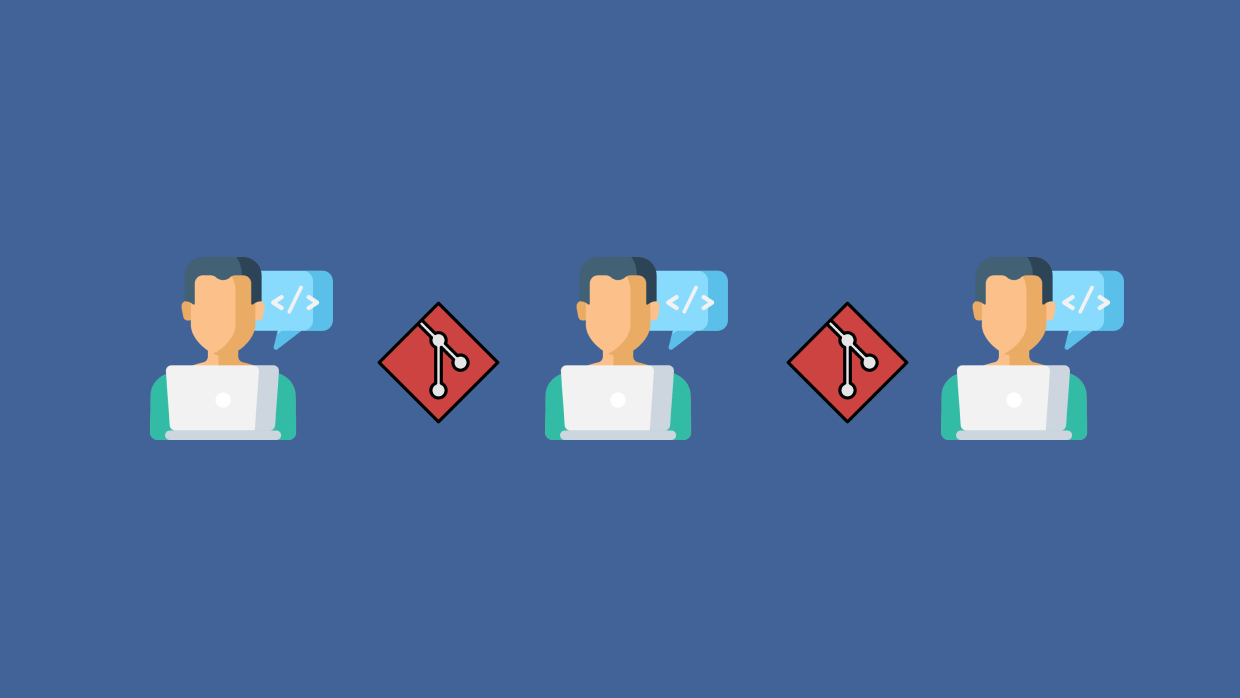
Git helps developers to work independently on a software and later merge their changes to update the software. Every developer has their own local copy of the software. Therefore, Git is called distributed version control system.
Git has 3 main concepts.
Working Directory: Where developer actually write the software.
Staging: Where developer mark a file to go with his next commit snapshot.
Commit: When developer finish developing a feature and store in the local repository.
The commit part is important. A developer can open the project at any commit point. Thus, a developer can time travel and open the earliest version of a software just with a command using Git.
Git is not GitHub
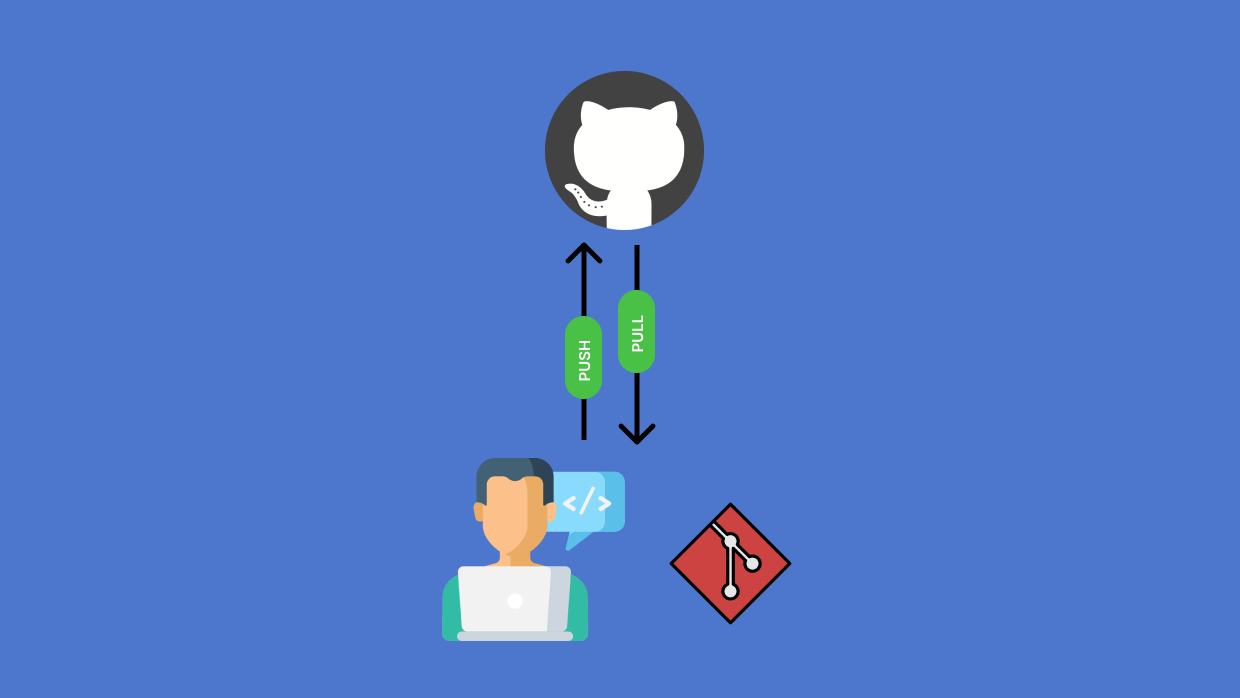
Most people synonyms Git with GitHub. But they are different. GitHub is a hosting solution, which host Git repositories.
GitHub help developers pushing the committed changes and pulling the updated version of a repository. You can image GitHub as an online record of your software development history.
GitHub is not the only one in this field. GitLab and Bitbucket are alternative to GitHub.
Git Branch
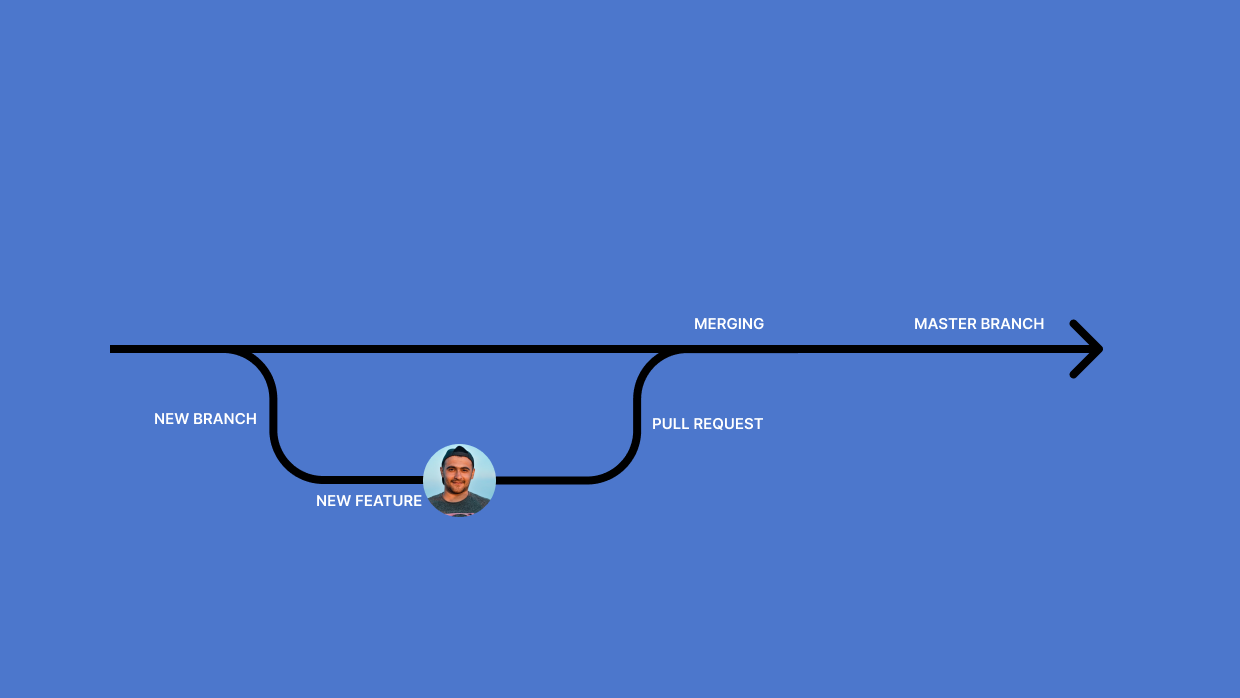
When a developer wants to create a new feature, he creates a branch. Like a tree has many branches, a repository can have many branches. Each branch has some specific purpose. Branch helps developers to code independently.
When a developer finish developing a feature, he commits the changes and merges the branch to the Main or Master branch. Master or Main branch is the most updated branch and from where the next version of the software is compiled.
Pull Request
When a developer want to merge a branch to the Main or Master Branch, he should make a pull request. By making a pull request, he notified other developers to review his changes. Then someone from his team give him some feedback. Once the developer implement all the feedbacks, his pull request is accepted and merged into the Main or Master branch.
If you learned something from this newsletter, please share to help this newsletter grow. Sharing is caring ♥.